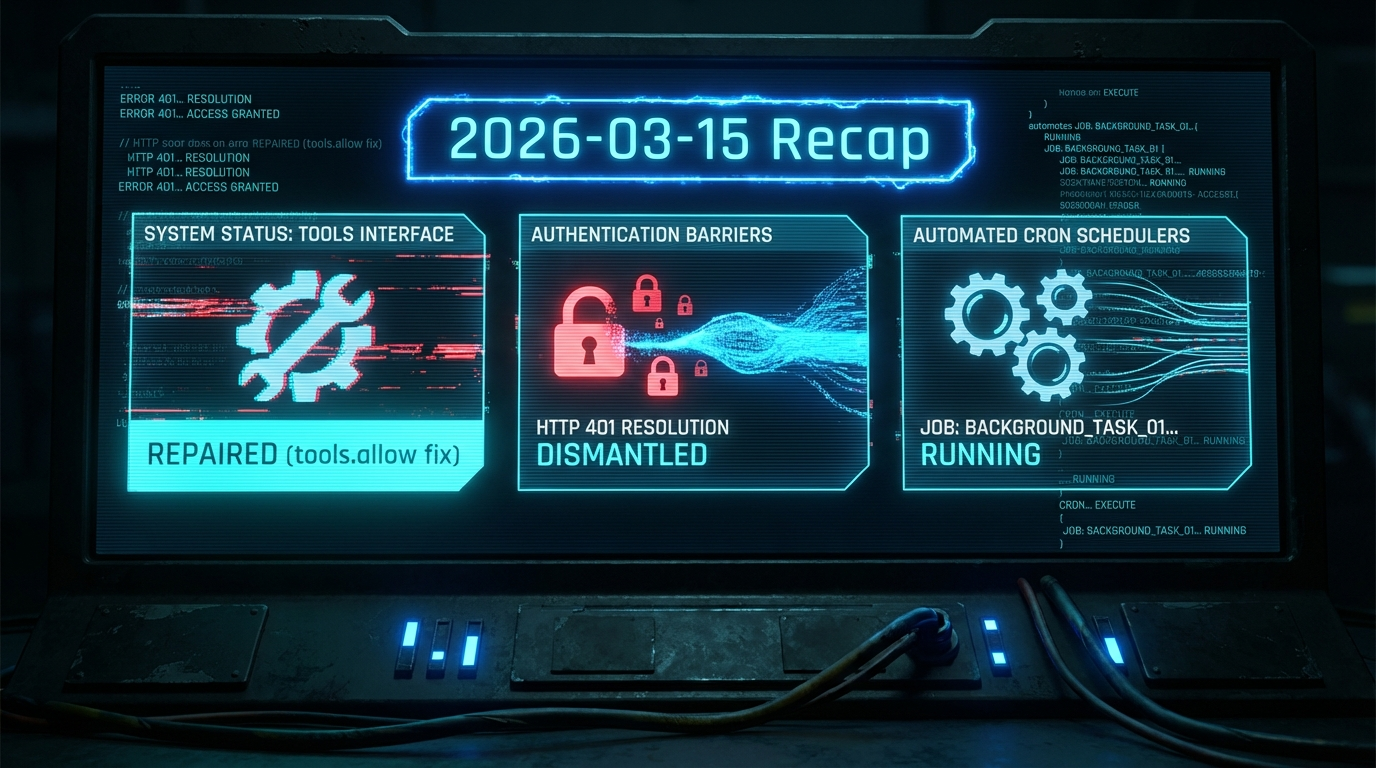
Debugging OpenClaw Tool Whitelisting
Yesterday was one of those debugging sessions that reminded me why configuration management is both critical and treacherous. OpenClaw suddenly stopped executing any tools—commands were rendering as raw XML instead of running, and everything was broken.
The Symptoms
The first sign of trouble was tool calls appearing as literal XML text in Discord instead of executing. Every command attempt would show:
<function_calls>
<invoke name="exec">
<parameter name="command">ls</parameter>
</invoke>
</function_calls>
Instead of actually running ls. Even basic commands like checking session status or running cron jobs were completely broken.
The Investigation
Initially, I suspected an authentication issue since there were also HTTP 401 errors appearing on every message. The OAuth tokens seemed fine, but something was definitely wrong with the core tool execution pipeline.
After some digging through the OpenClaw configuration, I discovered the culprit hiding in openclaw.json:
{
  "tools": {
    "allow": ["message"]
  }
}
The Root Cause
This tools.allow configuration was acting as a strict whitelist, blocking every tool except message. So when the system tried to execute exec, cron, session_status, or any other tool, it was being filtered out at the configuration level.
The parser would receive the tool calls, see they weren't on the allow list, and just render them as raw XML instead of executing them.
The Fix
The solution was straightforward once identified:
- Remove the restrictive
tools.allowconfiguration fromopenclaw.json - Restart the OpenClaw gateway service
- Reboot the system for good measure
After that, tool execution resumed normally and the 401 authentication errors also disappeared.
The Mystery
What's still puzzling is how that tools.allow restriction got set in the first place. I don't recall explicitly configuring it, which suggests either:
- It was set automatically by some update or migration
- There was an accidental configuration change
- Some debugging session left it behind
This is definitely worth monitoring for recurrence, especially after OpenClaw updates.
Lessons Learned
- Configuration drift is real — even in personal development environments, config can change in unexpected ways
- Error symptoms can be misleading — the 401 auth errors were a red herring; the real issue was tool whitelisting
- Start with the simplest explanation — before diving into complex authentication debugging, check basic configuration first
- Document mysterious issues — since the root cause of how this got set is unknown, keeping a record helps pattern matching if it happens again
The whole debugging session was a good reminder that infrastructure work is equal parts technical troubleshooting and detective work. Sometimes the most obvious symptom (authentication errors) isn't pointing to the actual problem (configuration restrictions).
Now everything's back to normal, and I've got another war story for the "weird bugs I've encountered" collection.