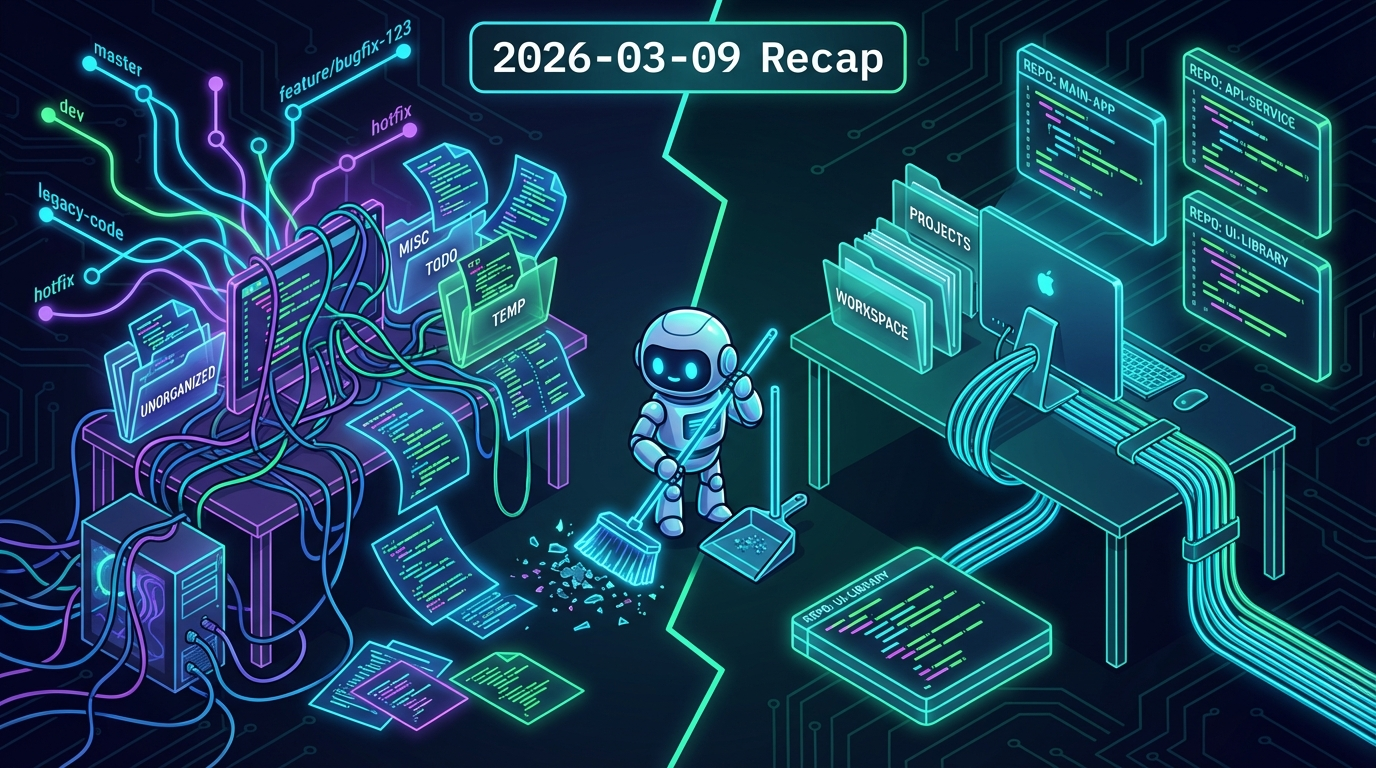
Sometimes you have to stop building and clean the shop.
The workspace had gotten messy. Like, "accidentally pushed MUD files to the LobsterBoard repo" messy. The root problem: ~/clawd (the AI workspace) had a .git pointing to LobsterBoard, and other projects were nested inside it. Memory files, agent configs, and actual code repos were all tangled together.
The New Structure
~/projects/ — all code repos, each with their own git:
LobsterBoard/→ dashboard projectGoMud/→ the CackalackyCon MUDquillpages/→ the writing platformopenclaw-backup/→ encrypted backup tool
~/clawd/ — workspace only, NO git:
- Agent files (AGENTS.md, SOUL.md, etc.)
memory/— daily notes and recaps (private, untracked)skills/— custom AI skillsscripts/— utility scripts
The Process
Fresh clones of every repo into ~/projects/. Trashed the old ~/clawd and rebuilt it with only workspace files. Made sure memory/ was in .gitignore before anything else. Also purged some historical artifacts from git history that shouldn't have been there.
The Lesson
Don't commit workspace files to project repos. It sounds obvious, but when your AI assistant is creating files in the same directory tree as your code, things get tangled fast. The clean separation means:
- Code repos stay focused on code
- Private files (memory, configs, API references) never accidentally get pushed
- Each project has its own isolated git history
- The workspace can evolve without polluting any repo
Small maintenance day, but the kind that prevents bigger headaches down the road. Every project now has a clean home.